








Radar Simulation
for MATLAB
The MATLAB interface for the RadarSimCpp engine — transceiver modeling, baseband simulation from point targets and 3D models, with the same high-fidelity physics as RadarSimPy.
% Define FMCW transmitter
tx = RadarSim.Transmitter( ...
    'f', [77e9, 81e9], ...
    't', 80e-6, ...
    'tx_power', 15, ...
    'prp', 100e-6, ...
    'pulses', 128);

% Define receiver
rx = RadarSim.Receiver( ...
    'fs', 6e6, ...
    'noise_figure', 8, ...
    'rf_gain', 20);

% Build radar and run simulation
radar = RadarSim.Radar(tx, rx);
sim   = RadarSim.Simulator();
sim.Run(radar, targets);
MATLAB-Native Radar Simulation
The same physics engine as RadarSimPy — now in a MATLAB workflow.
Radar Modeling
- Transceiver modeling with multiple Tx/Rx channels
- Arbitrary waveform — CW, FMCW, PMCW, Pulse, and custom
- Phase noise modeling
- Phase/amplitude modulation — CDM, FDM, DDM, TDM
- Fast-time & slow-time modulation
Simulation
- Baseband data from point targets
- Baseband data from 3D modeled objects & environments (ray tracing)
- Interference simulation
Feature Comparison
Both interfaces share the same core simulation engine. RadarSimPy offers a broader feature set currently.
| Feature | RadarSimPy | RadarSimM |
|---|---|---|
| Point target simulation | ✓ | ✓ |
| 3D mesh / ray tracing | ✓ | ✓ |
| Interference simulation | ✓ | ✓ |
| Target RCS simulation | ✓ | Planned |
| LiDAR point cloud | ✓ | Planned |
| Range/Doppler processing | ✓ | Use MATLAB DSP |
| DoA / CFAR | ✓ | Use MATLAB toolboxes |
| GPU (CUDA) acceleration | ✓ | ✓ |
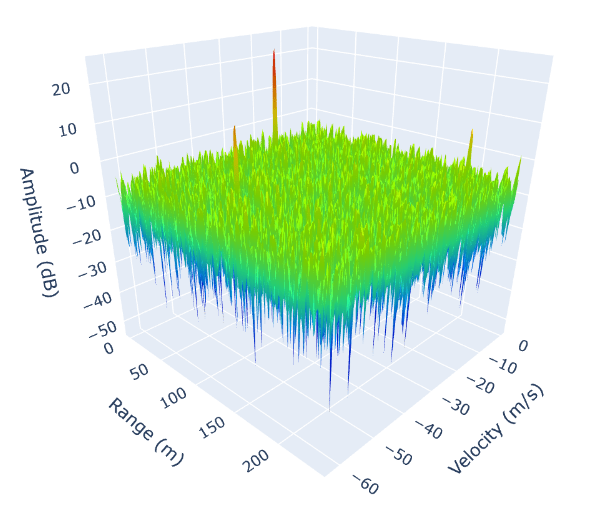
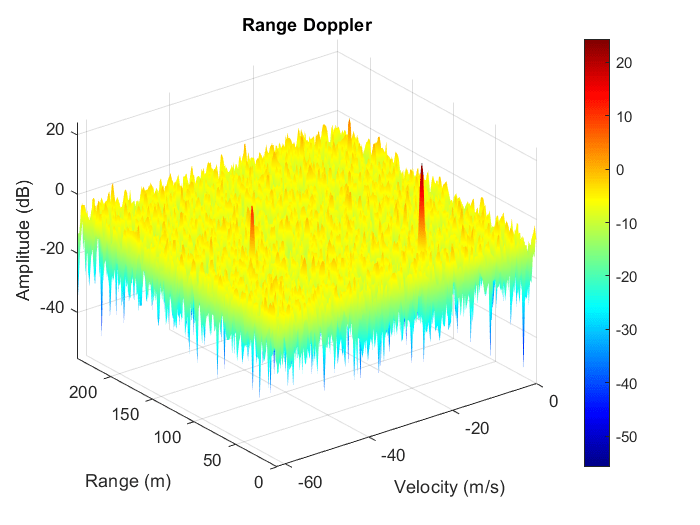
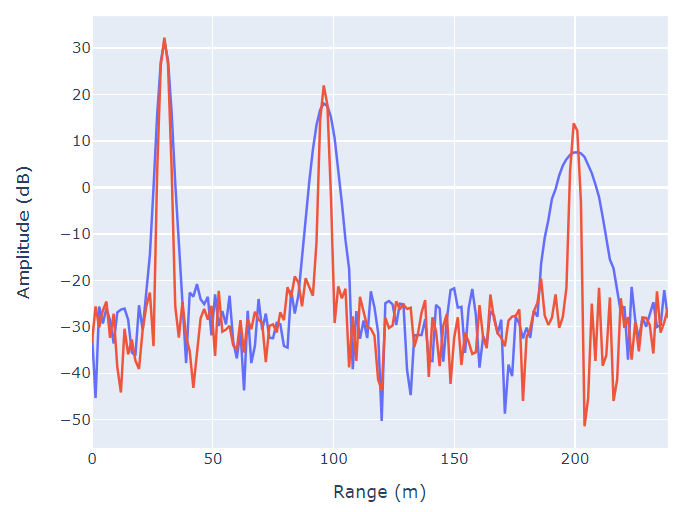
Output Comparison
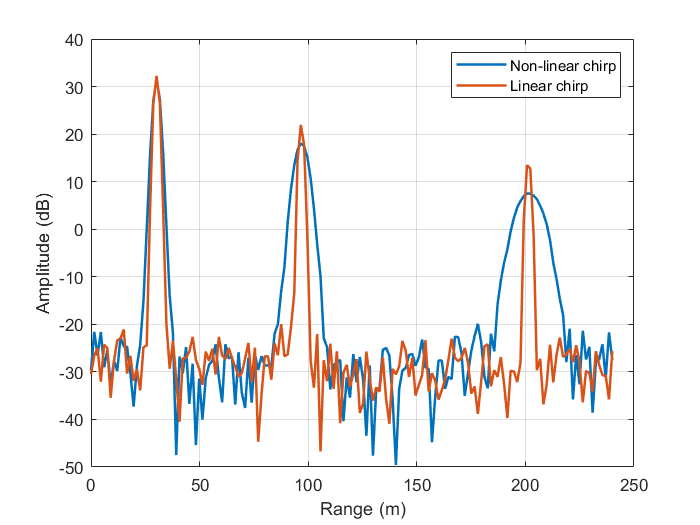
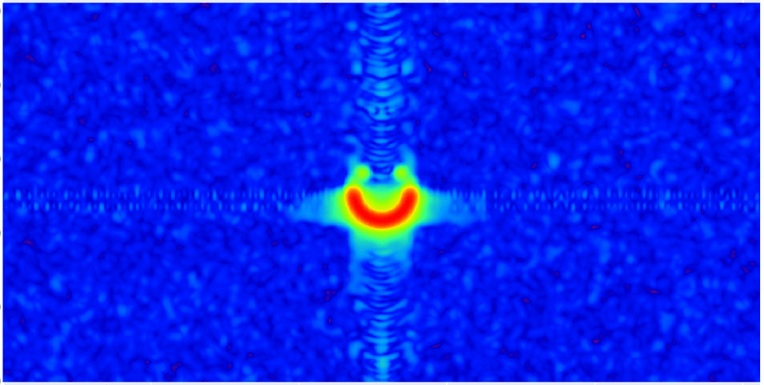
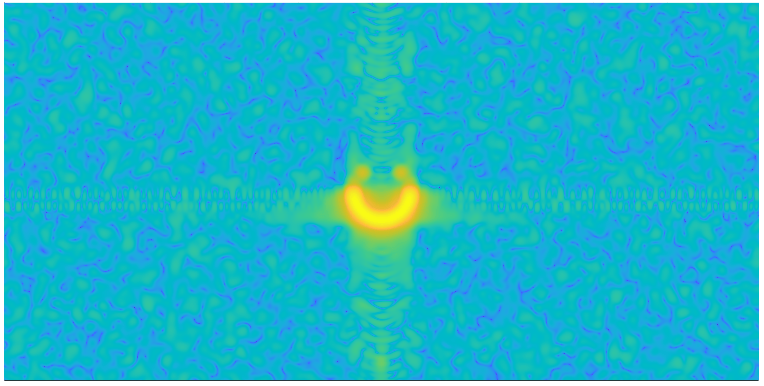
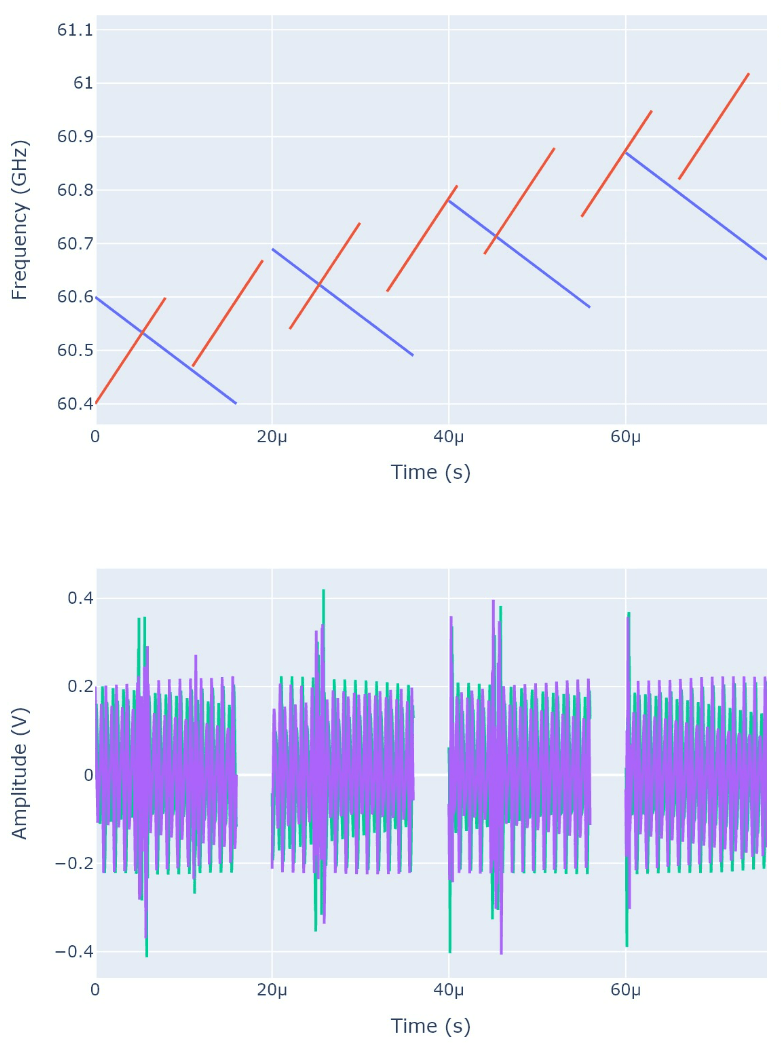
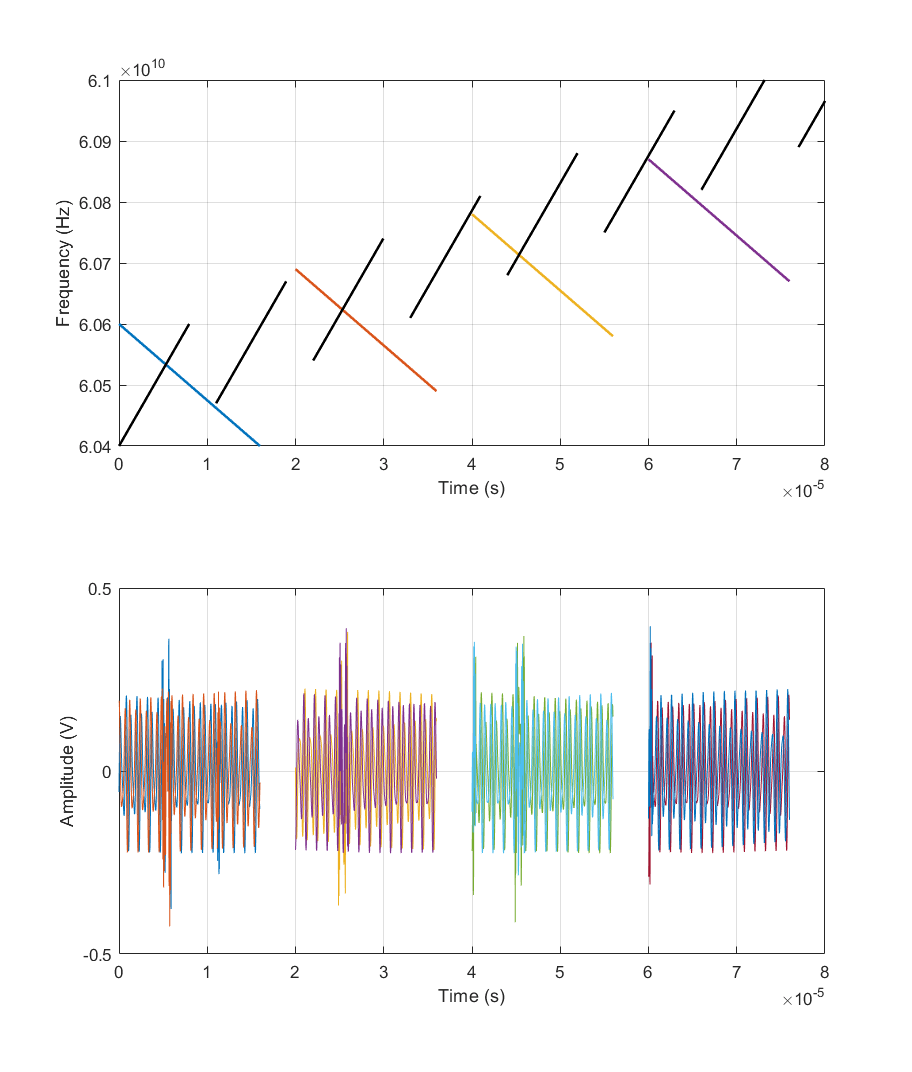
Side-by-side simulation outputs — RadarSimPy vs RadarSimM produce identical results.
| RadarSimPy | RadarSimM |
|---|---|
 |
 |
 |
 |
 |
 |
 |
 |
Dependencies & Setup
Dependencies
MATLAB64-bit (any recent version)MinGW-w64C/C++ compiler — Windows only (MathWorks supported compilers)
GPU (CUDA) builds require an NVIDIA driver compatible with CUDA 13. See NVIDIA’s minimum driver versions.
Installation
Download the pre-built module, extract it, and run the included examples to verify your setup. No compilation step required.
Free to Try, Licensed to Unlock
Fully functional for learning and exploring radar simulation concepts.
- Max 2 targets
- 1 Tx / 1 Rx channel
- Max 8 meshes
- Email support for installation
- No bug fixes & updates
Activate with your existing RadarSimM license — all limits removed.
- Unlimited targets
- Unlimited Tx / Rx channels
- Unlimited meshes
- Email support within license term
- Bug fixes & updates within license term